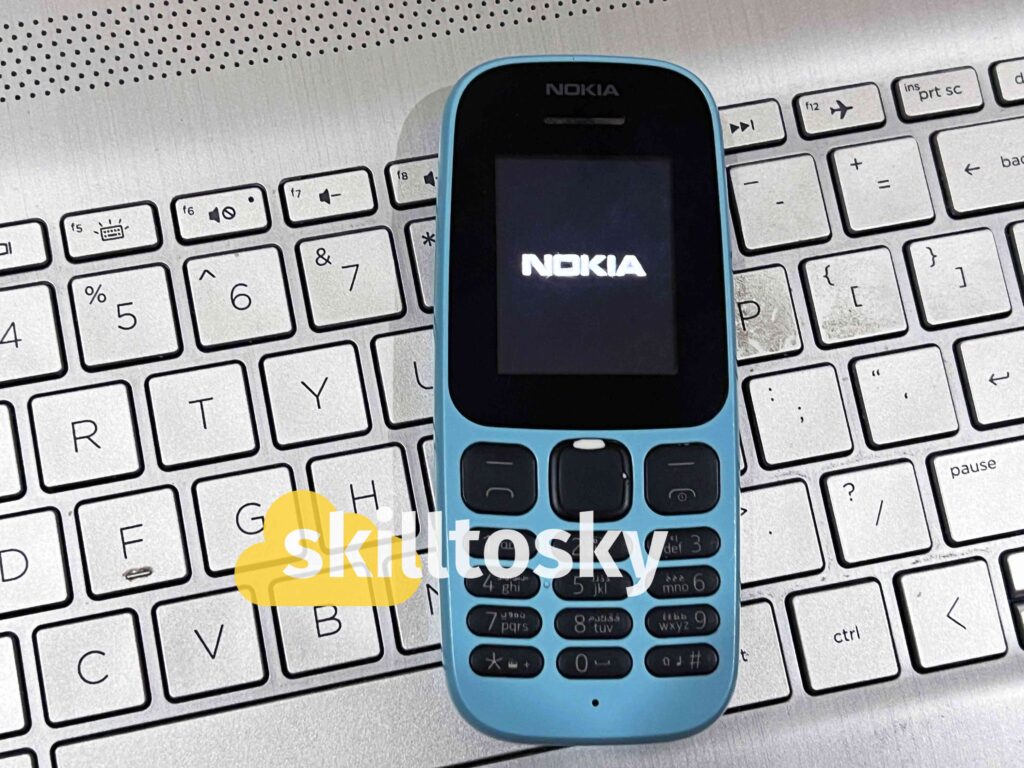
Did you know your Nokia phone — whether it’s the classic Nokia 105 (2017, 2019, 2022, or 2023 models), Nokia TA-1034, or other feature phones — contains hidden Nokia secret codes that unlock advanced functions?
These universal codes work across most models to check your IMEI number, verify software version, access network settings, and even perform factory resets. This guide covers all working Nokia secret codes for every model.
Why Use Nokia Secret Codes?
These hidden codes help you:
✔ Check device authenticity (verify IMEI)
✔ Troubleshoot issues (reset network settings)
✔ Access developer menus
✔ Extend battery life (power saving modes)
✔ Compare features across models like Nokia 105 vs TA-1034
⚠️ Warning: Reset codes will erase all data — back up your phone first!
Complete List of Nokia Secret Codes
1. Device Information Codes (All Nokia Models)
| Code | Function | Works On |
|---|---|---|
*#0000# |
Software version | All models (105 2017–2023, TA-1034) |
*#06# |
IMEI verification | Universal |
*#2820# |
Bluetooth address | Models with Bluetooth |
2. Reset Codes (Use Carefully)
| Code | Function | Nokia 105 Compatibility |
|---|---|---|
*#7370# |
Full factory reset | 2017–2022 models |
*#7780# |
Soft reset | All versions |
*#7370925538# |
Full erase (deletes everything — use with caution) | All versions |
3. Network & SIM Codes
| Code | Function |
|---|---|
*#002# |
Disables all call forwarding |
*#21# |
Checks call diversion status |
*#004# |
Shows call forwarding settings |
4. Audio & Battery Optimisation
| Code | Function |
|---|---|
*#3370# |
Enables Enhanced Full Rate (EFR) — better call quality |
*#4720# |
Enables Half Rate Mode — saves battery, reduces call clarity |
5. Warranty & Security Codes
| Code | Function |
|---|---|
*#92702689# (*#WAR0ANTY#) |
Displays warranty info (if supported) |
Nokia 105 Secret Codes — Model-Specific Guide
The Nokia 105 is one of the most searched Nokia models, so here is a dedicated breakdown for each version:
| Code | Function | Compatible Models |
|---|---|---|
*#06# |
Check IMEI number | All Nokia 105 versions |
*#0000# |
Check software version | All Nokia 105 versions |
*#7370# |
Factory reset | Nokia 105 2017, 2019, 2022 |
*#7780# |
Soft reset (keeps contacts) | All Nokia 105 versions |
*#4720# |
Half Rate Mode (battery saving) | Nokia 105 2017, 2019 |
*#3370# |
Enhanced Full Rate (call quality) | Nokia 105 2017, 2019 |
Note for Nokia 105 4G (2023): Some network and audio codes may not respond on the 4G variant due to firmware differences. Use
*#06# and *#0000# as these work universally across all versions.
How to Use Nokia Secret Codes
- Open your Nokia’s dial pad.
- Enter the code exactly as shown (e.g.
*#06#). - Press the call button — the result appears instantly.
No app or special permission is needed. The codes work directly from the phone dialler.
Frequently Asked Questions
Which Nokia secret codes work on the Nokia 105?
The most reliable codes for all Nokia 105 versions (2017–2023) are *#06# for IMEI and *#0000# for software version.
Reset codes *#7370# and *#7780# also work on most versions. Some audio codes like *#3370# may not work on the 2023 4G model.
Which codes work on Nokia TA-1034?
All standard codes work on the TA-1034, plus additional network codes for 4G connectivity. Use *#06# to verify the IMEI and *#0000# to check the firmware version.
How do I reset my Nokia 105 using a secret code?
Dial *#7780# for a soft reset — this restores factory settings but keeps your contacts. For a full erase, dial *#7370#. Make sure to back up your data before using any reset code.
Why is my Nokia not accepting some codes?
Some codes are firmware-dependent. If a code does not work, try updating your Nokia’s software via Settings → Phone → Software update.
The Nokia 105 2019 model in particular had some firmware limitations — a software update usually resolves this.
How do I find the IMEI number on my Nokia?
Dial *#06# on any Nokia and the IMEI will appear on screen immediately. You can also find it printed on the back of the phone under
the battery, or on the original box.
What is the default security code for Nokia phones?
The default security code for most Nokia feature phones is 12345. If this has been changed and you no longer know it, you will need to perform a factory reset using *#7370# — note this will erase all data on the device.
Related Posts
📱
Samsung Secret Codes — Full List 2025
📲
How to Find Your TikTok Watch History
7609